How to use Chive.
This guide walks through how to make the most of Chive. Jump to any section from the bar above.
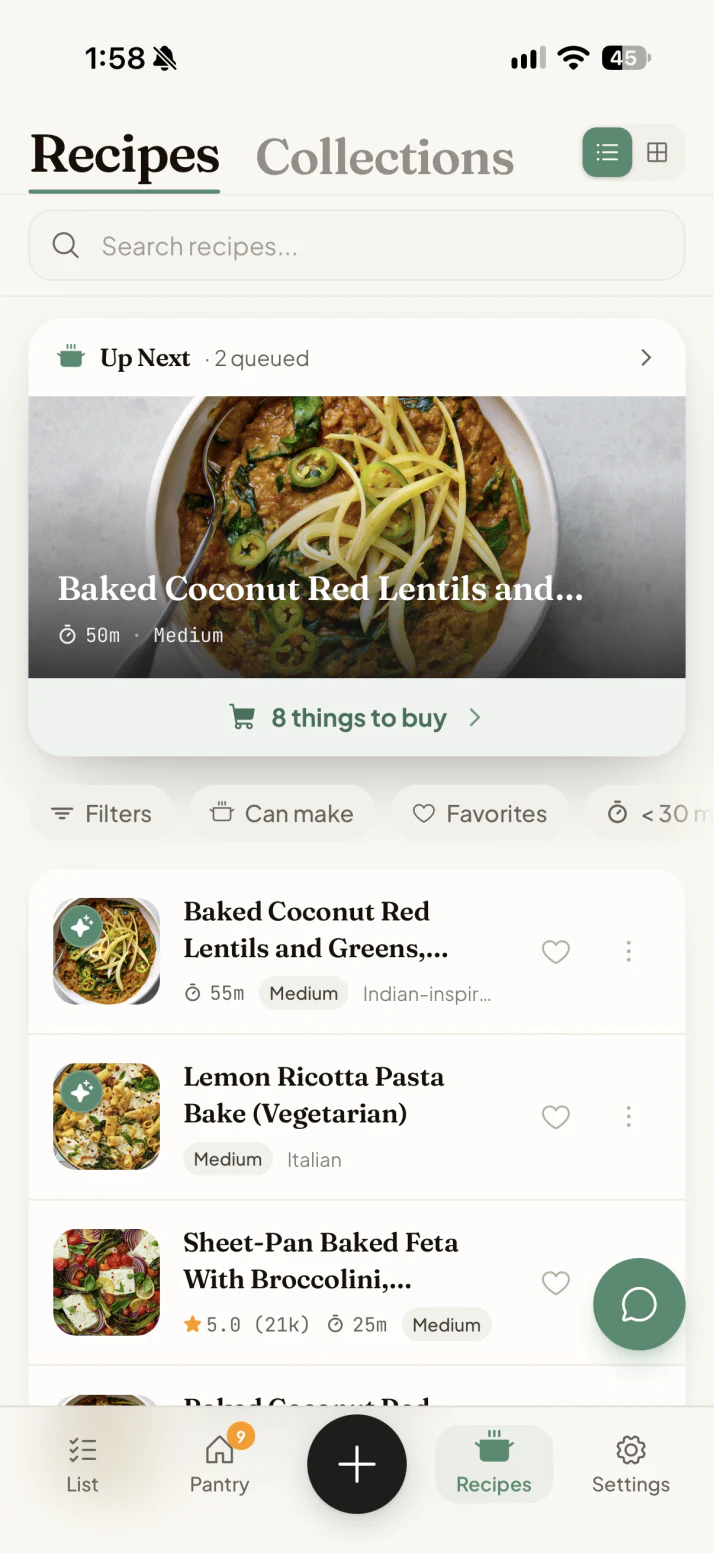
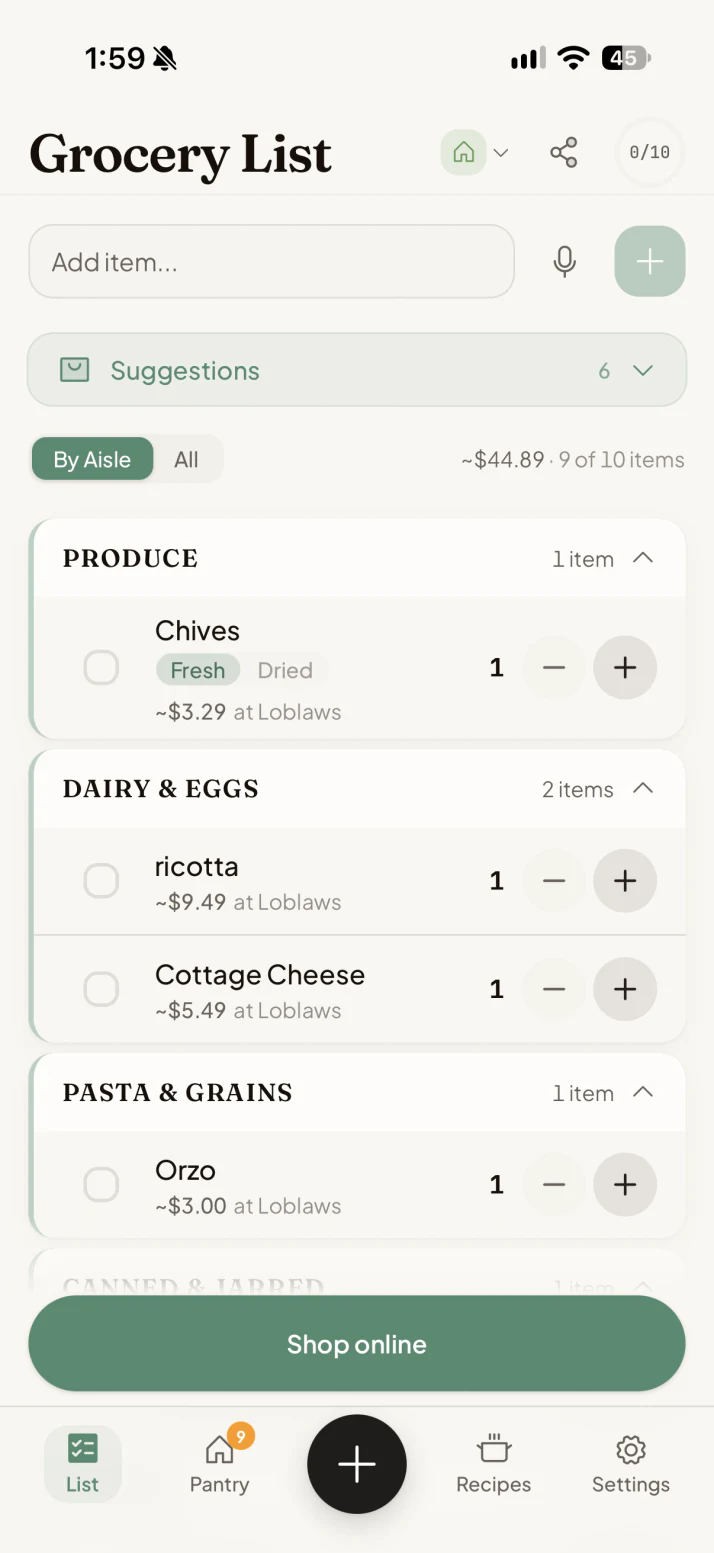
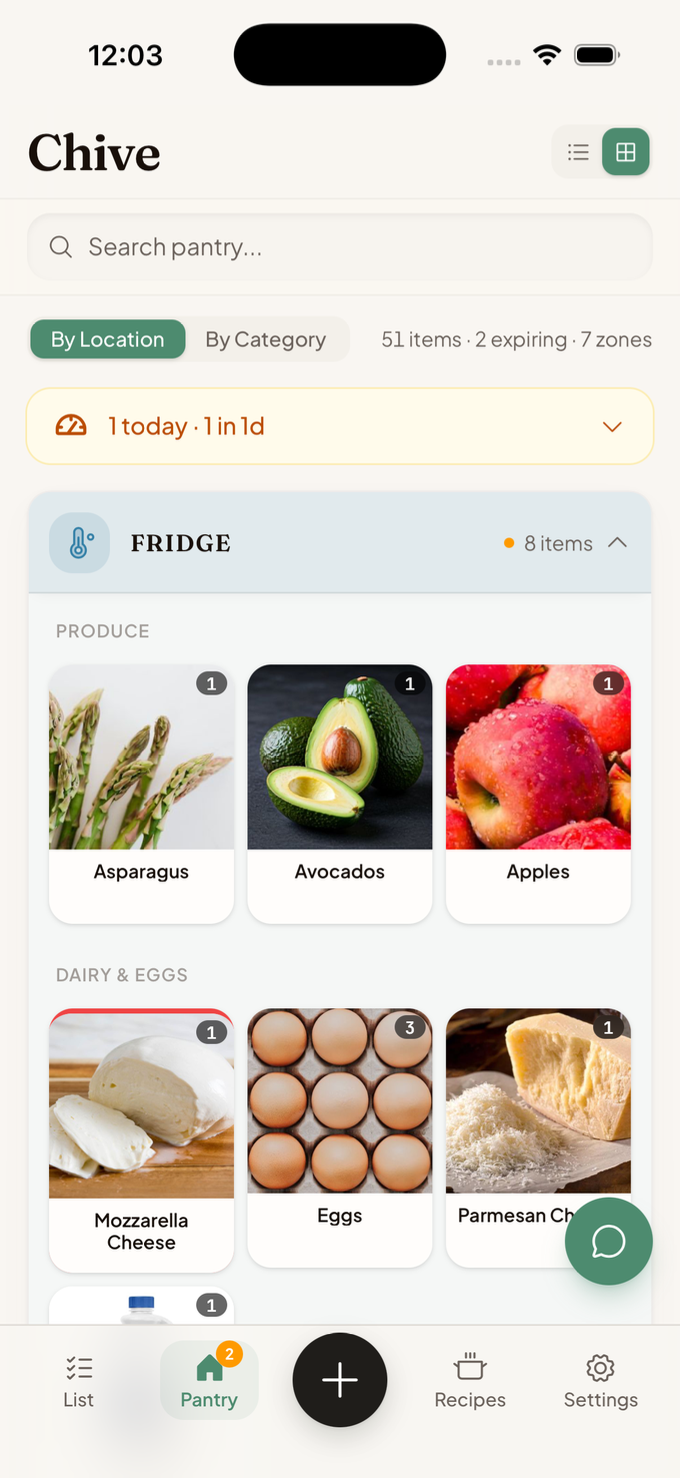

Each step feeds the next, and the more you use it, the more powerful it becomes.
Find your way around.
Four tabs run along the bottom. The round + button opens actions for the tab you are viewing.
How to set up your kitchen.
The setup wizard opens the first time you use Chive. Complete these four steps to prepare your home.
Build and use your grocery list.
Your list groups itself by aisle and shows price estimates from your stores.
How to add items to your pantry.
From Pantry, tap the + button in the bottom bar and choose how you want to add food.
How to manage your pantry.
Your pantry is everything you have on hand, sorted into zones.
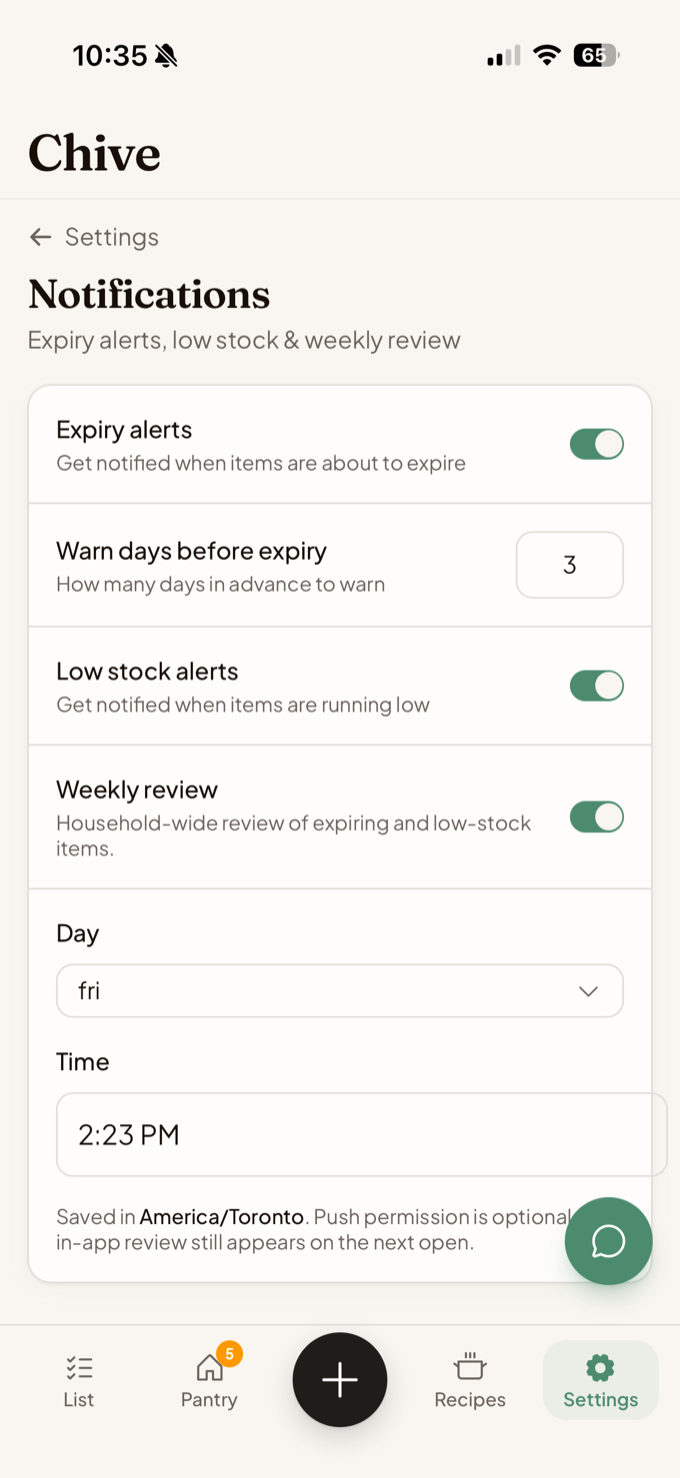
How to stay on top of expiring food.
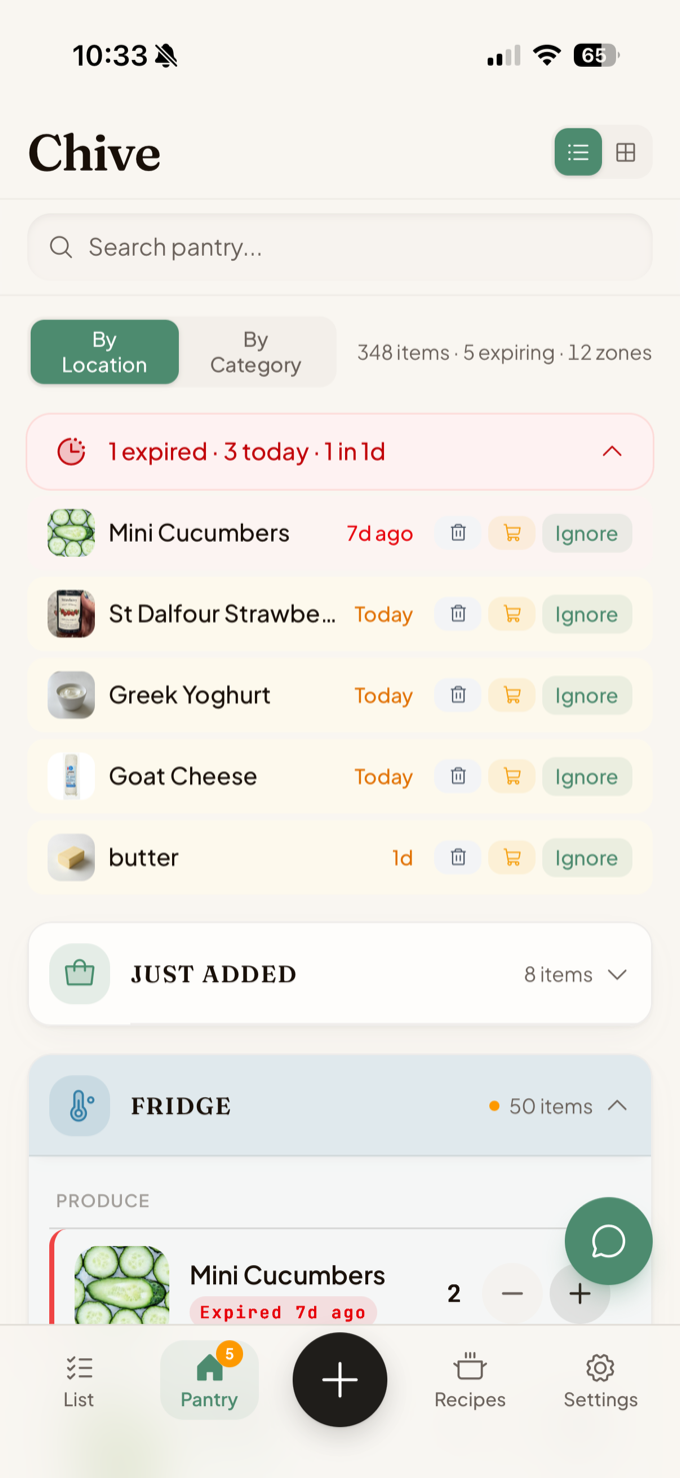
The Expiring banner shows food that is expired or needs attention soon.
How to cook from what you have.
Use your pantry to find recipes, check ingredients, and track what you cook.
How to import recipes from anywhere.
Add a recipe from a social post, website, text, or cookbook photo.


 One clean recipe card
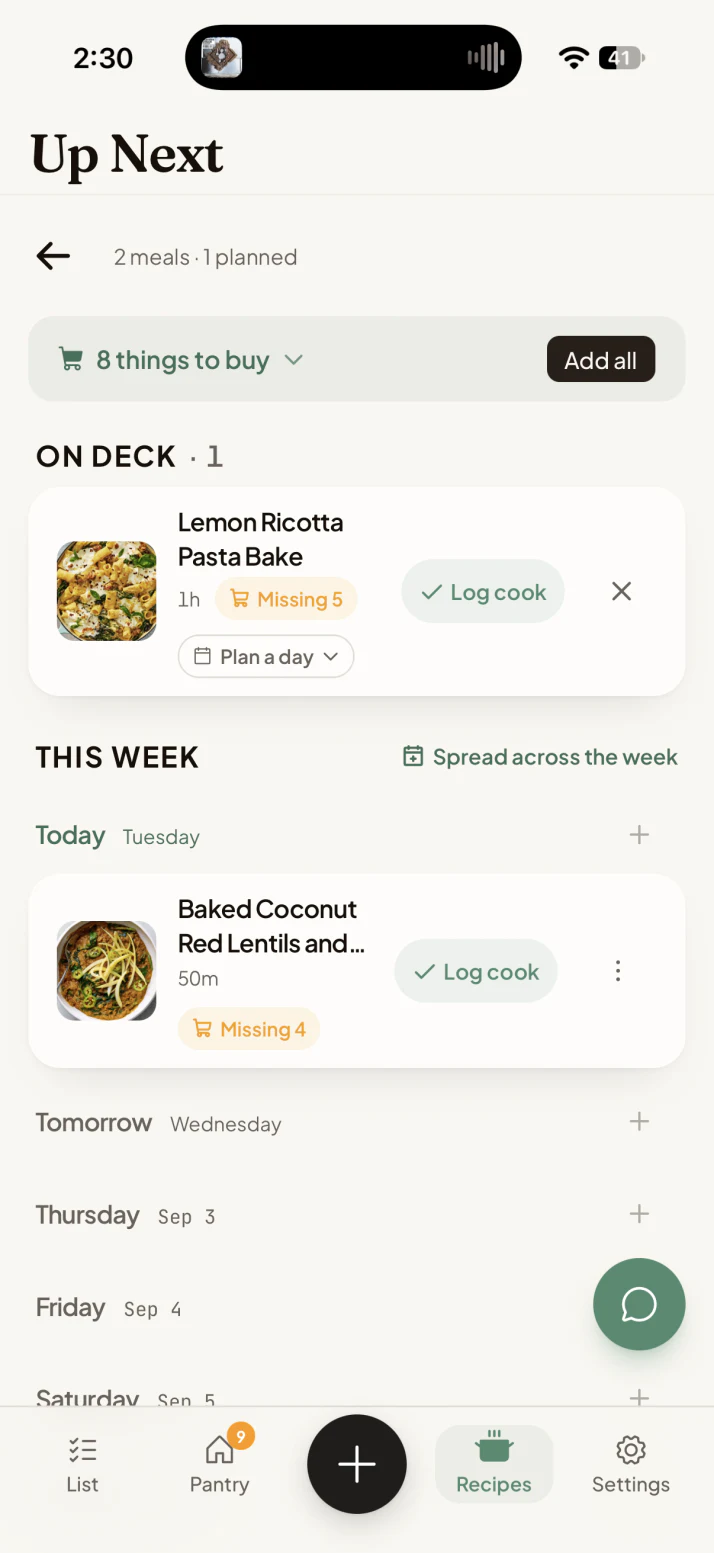
How to plan your week with Up Next.
Up Next is a queue for recipes you plan to cook soon. Use it to schedule meals and shop for missing ingredients together.
How to use the assistant.
Ask Chive uses your pantry, recipes, and saved preferences to give kitchen-specific answers. It asks for approval before adding anything to your grocery list.
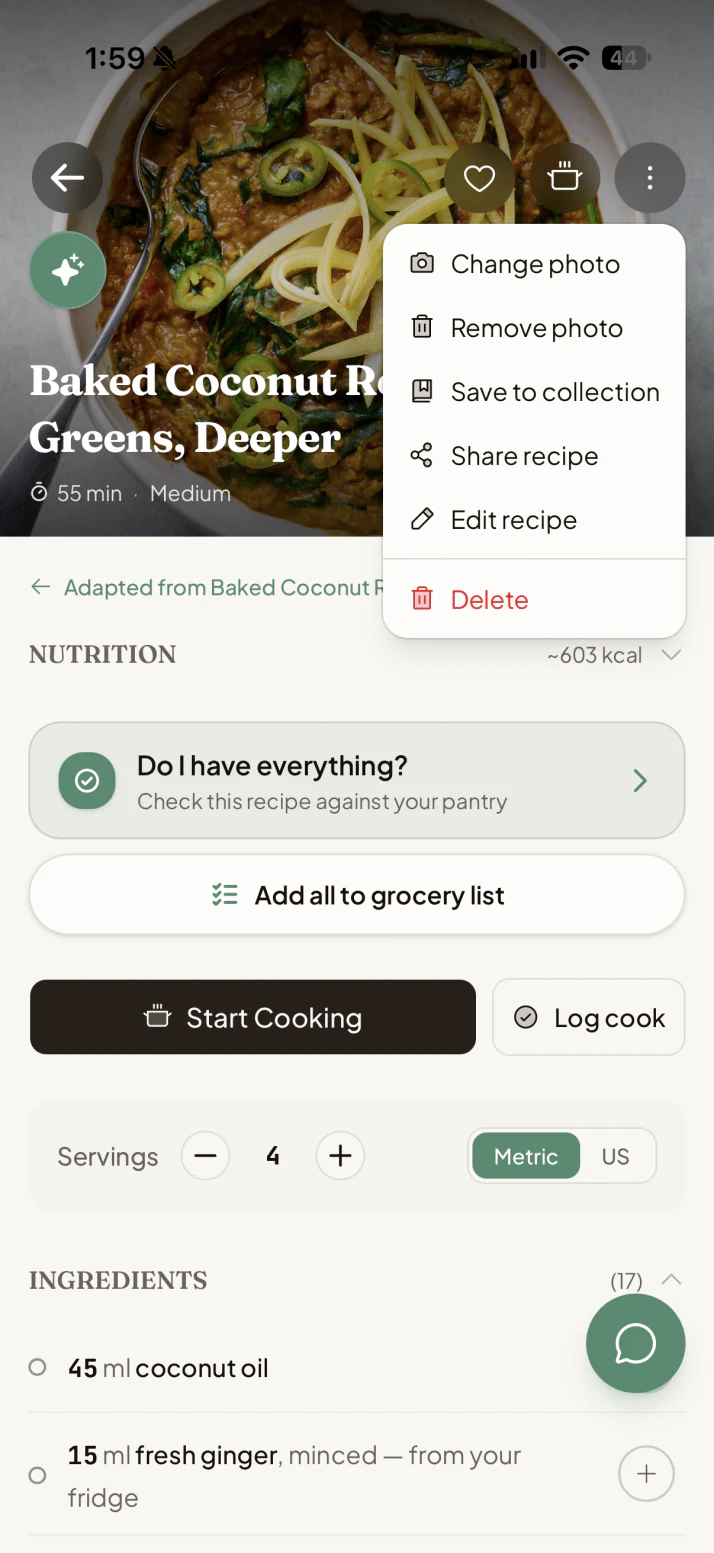
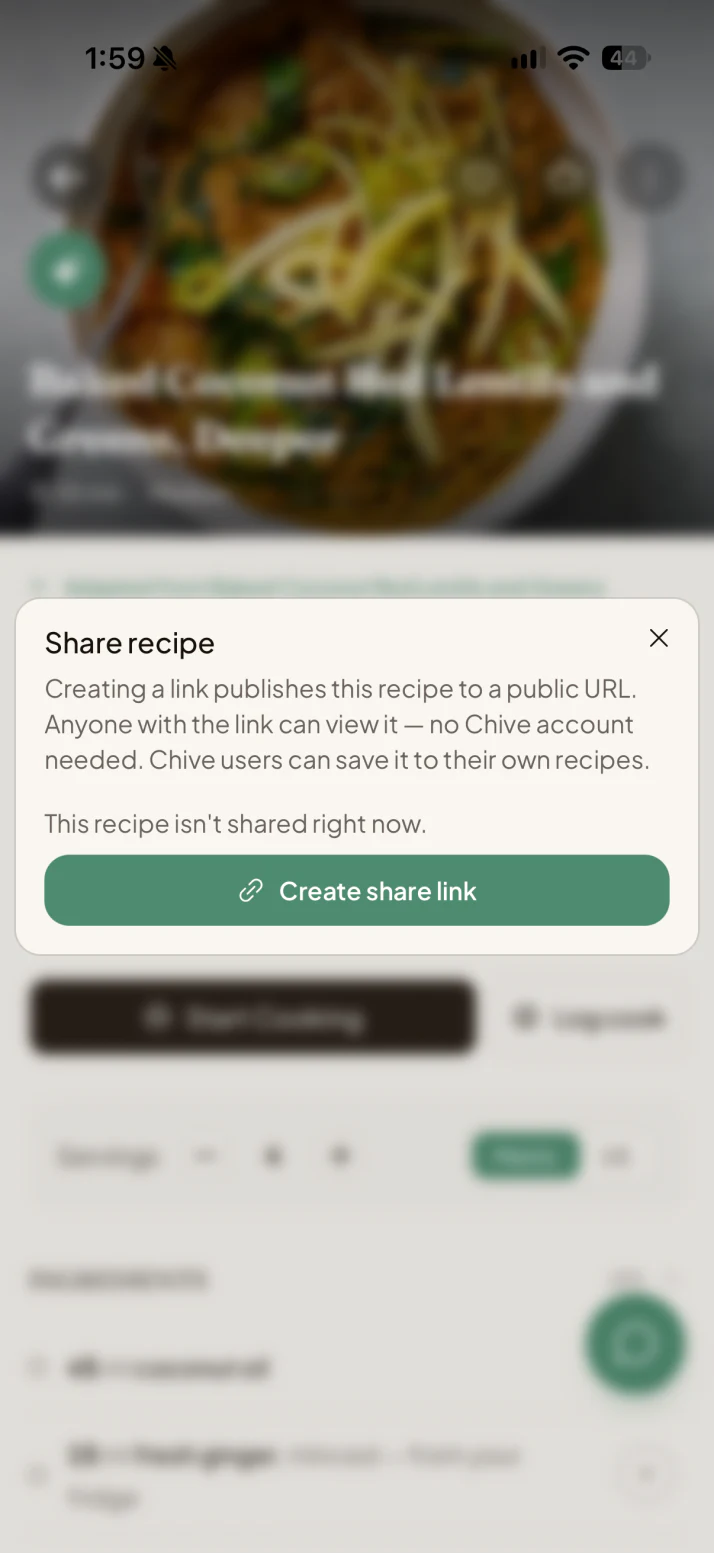
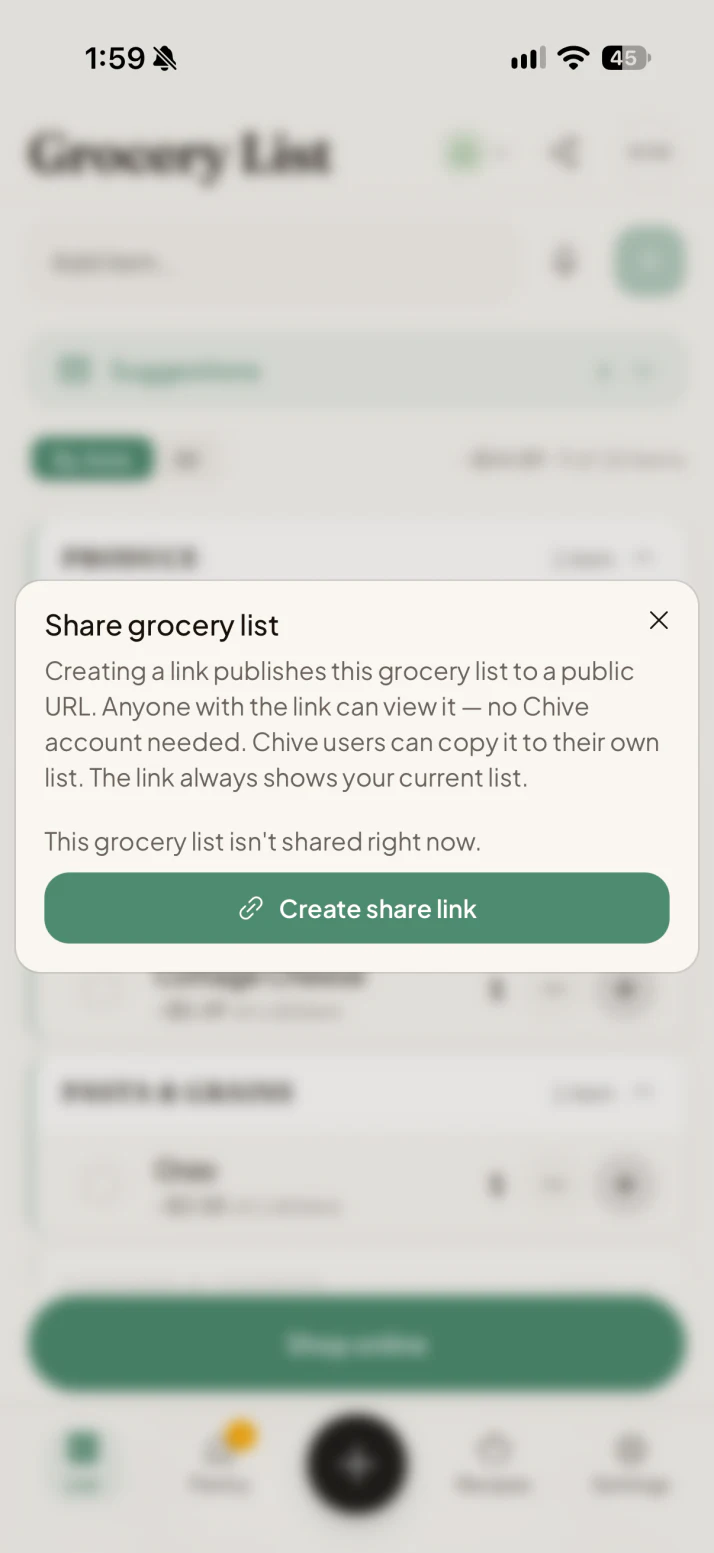
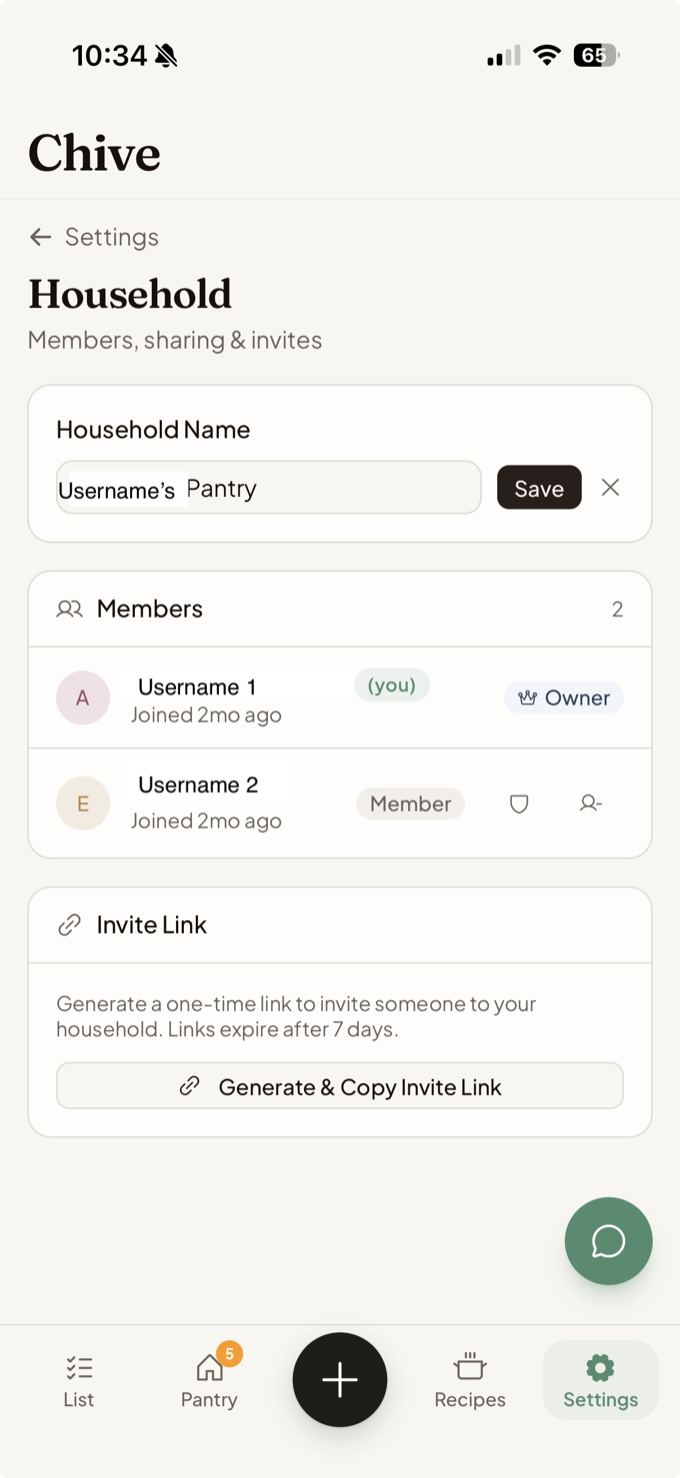
Share a recipe, list, or home.
Public links share one recipe or grocery list. Home invitations give another Chive user access to your shared kitchen.
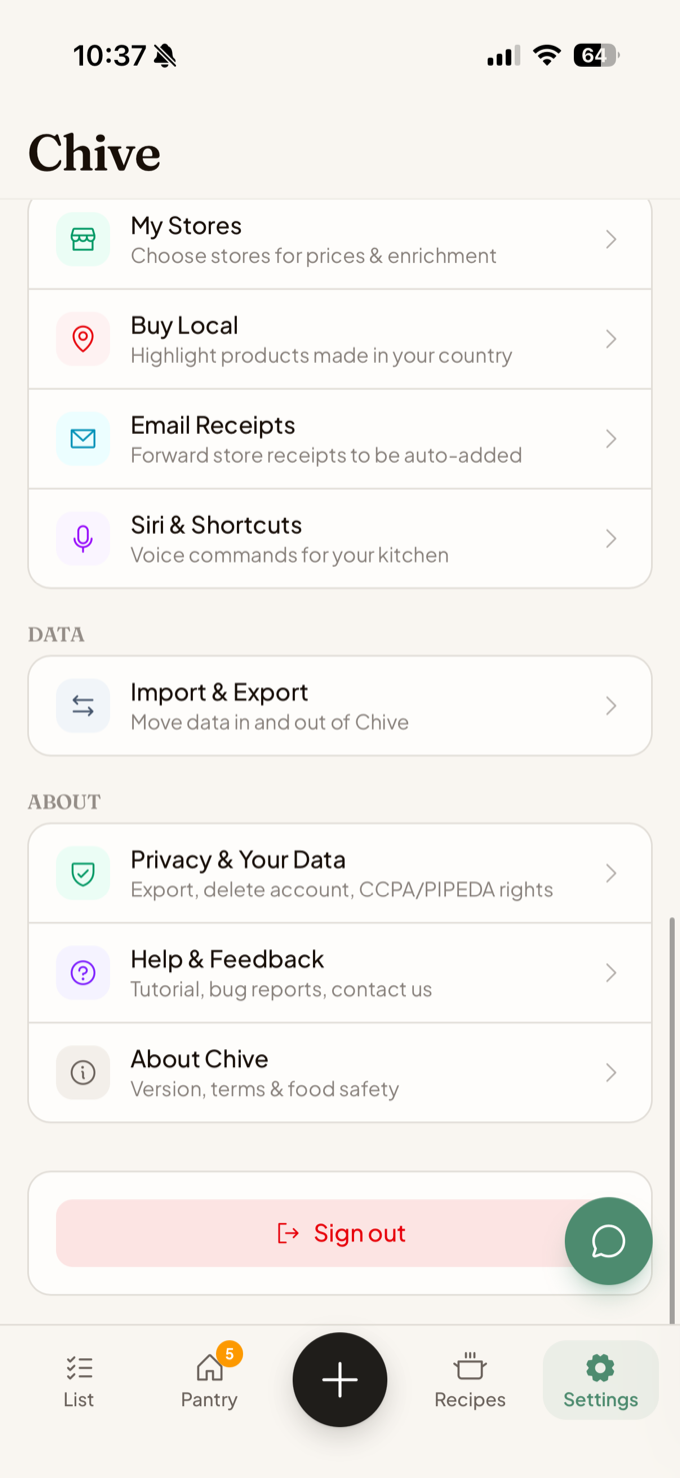
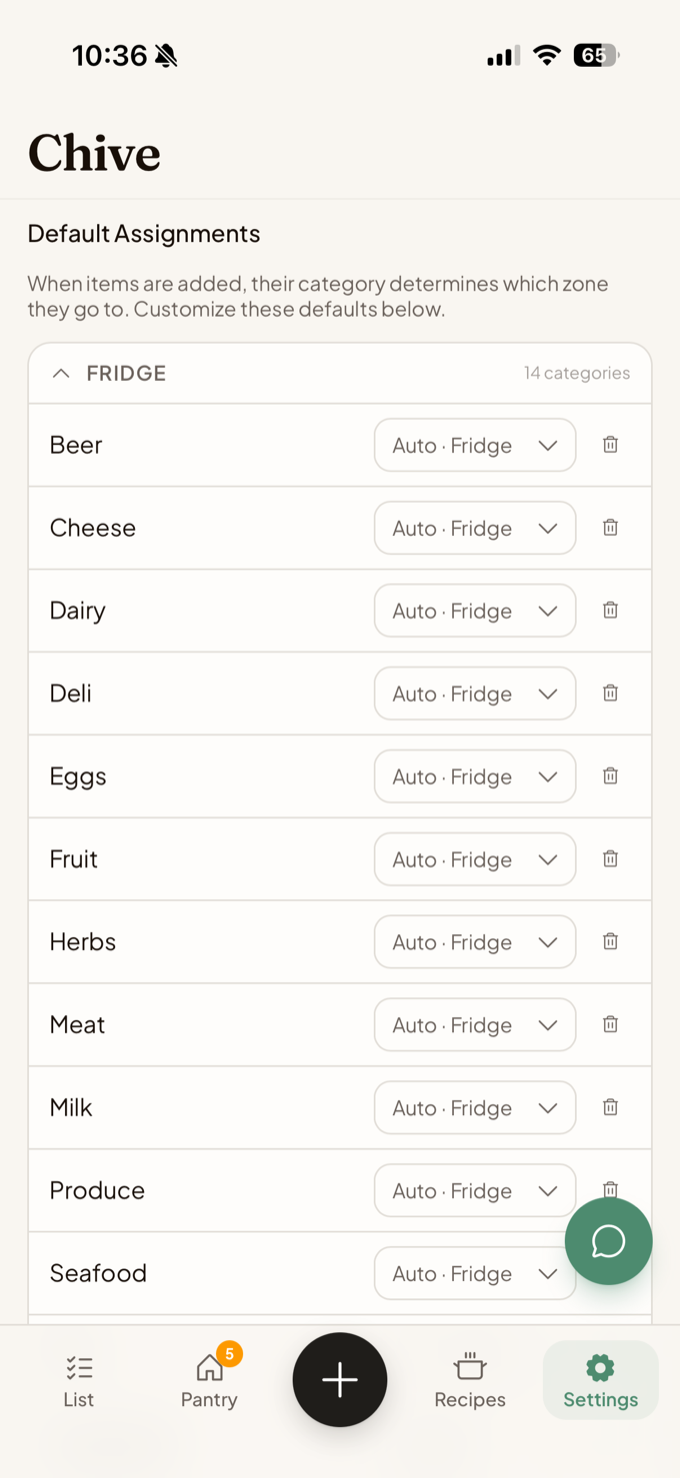
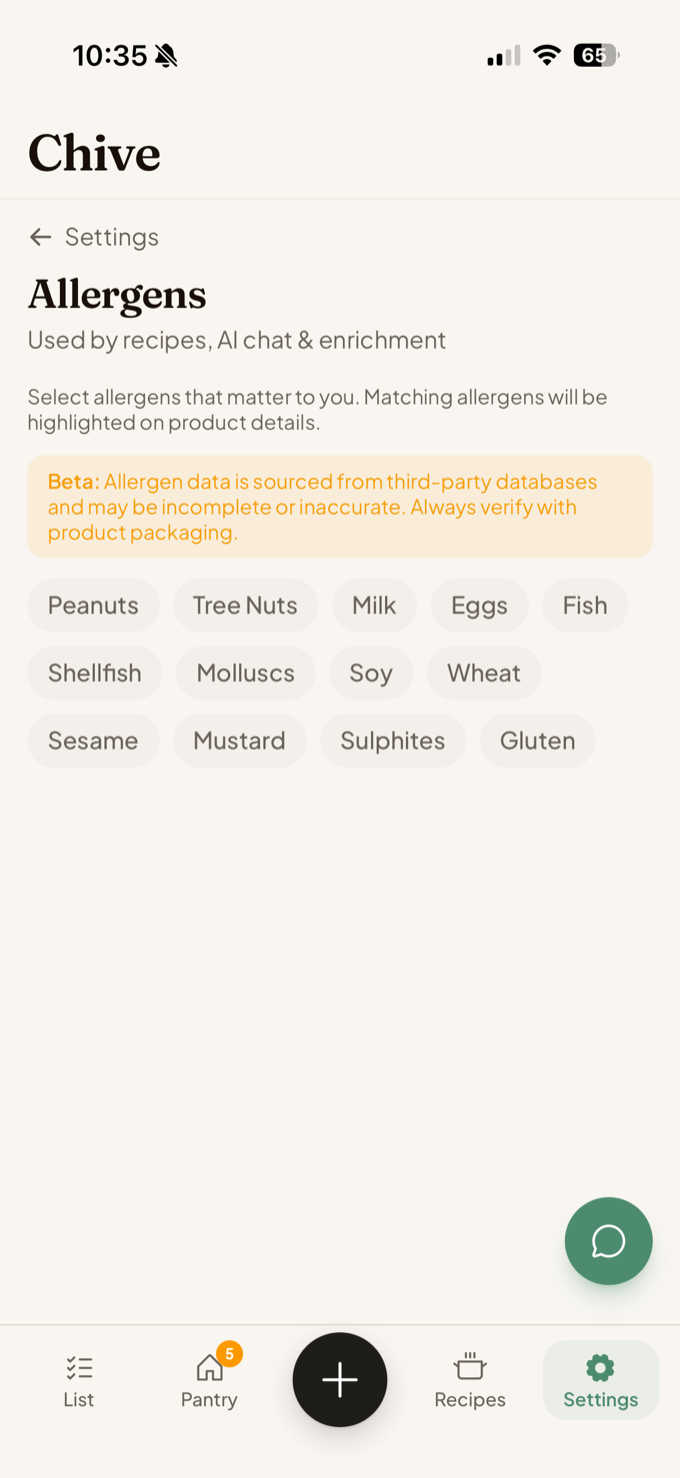
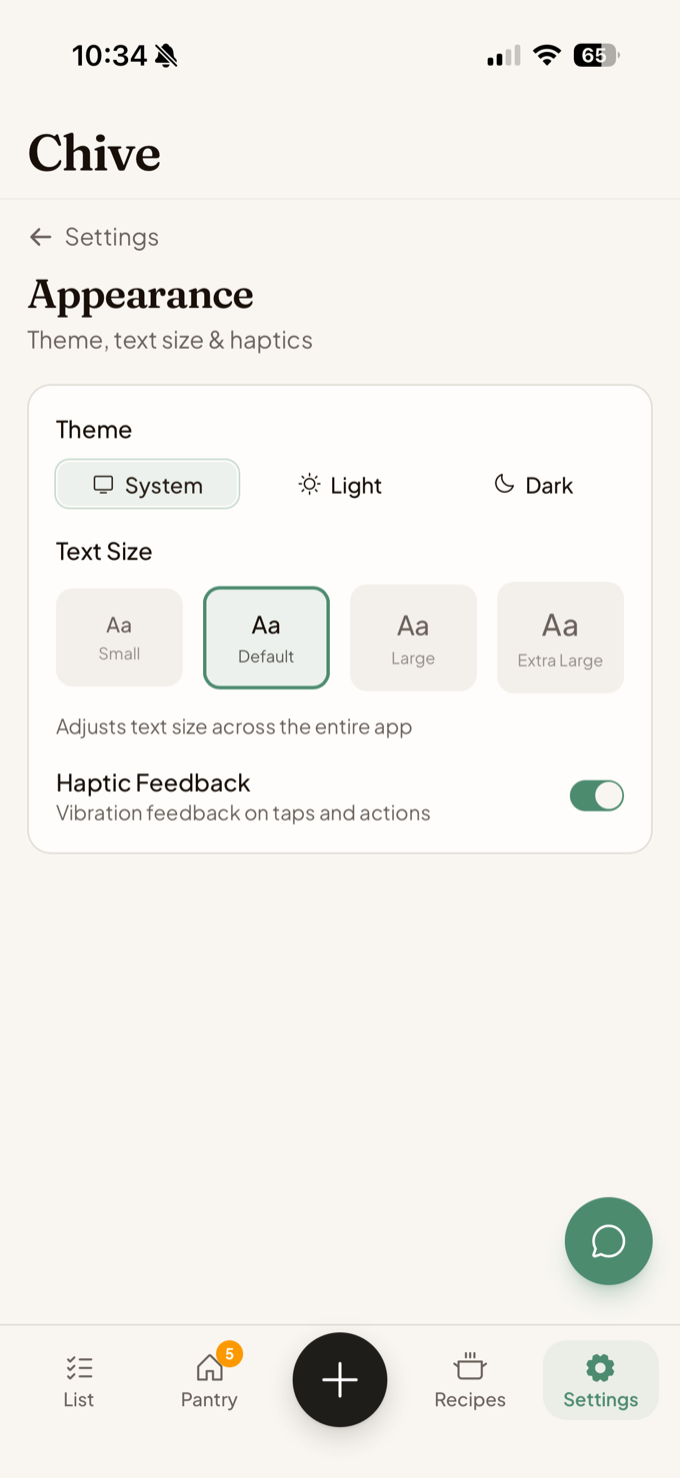
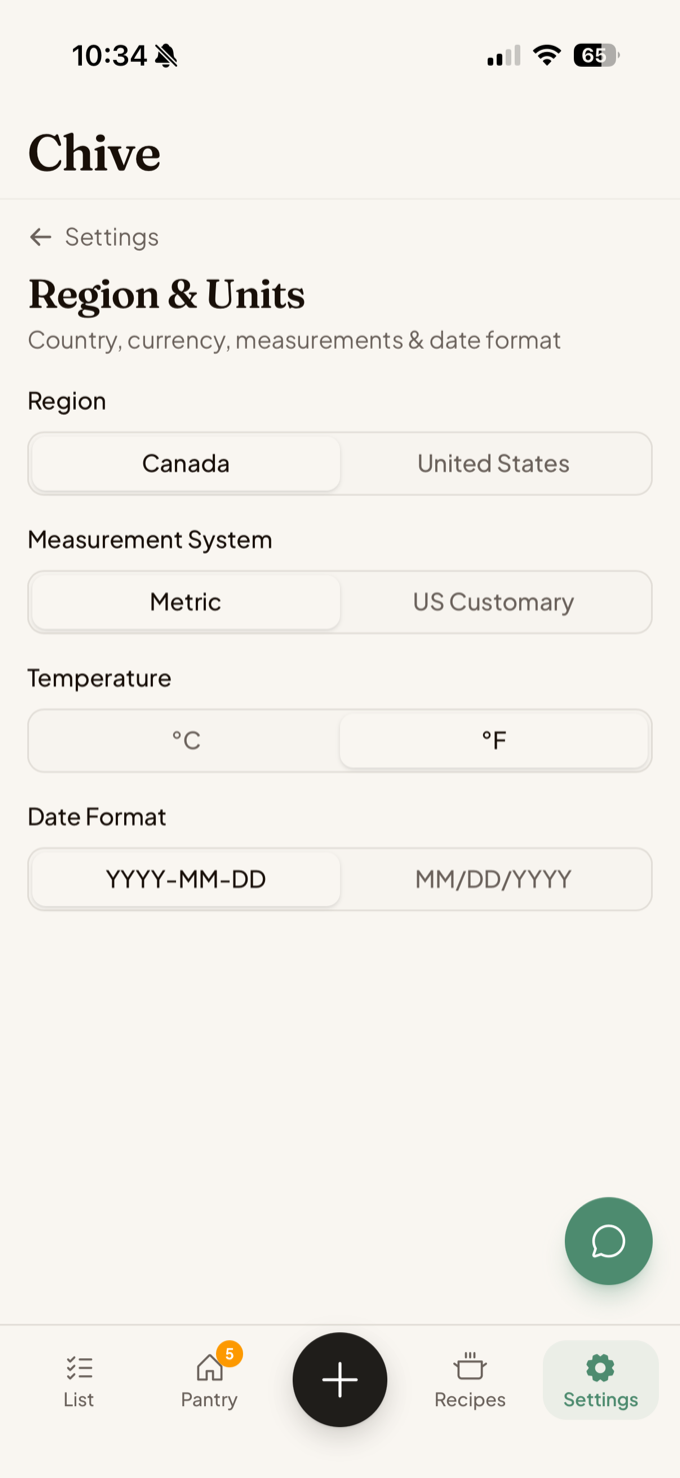
Review your key settings.
Open the Settings tab to manage these preferences and account tools.
Optional: connect another AI app.
With Chive+, apps that support Model Context Protocol (MCP), including ChatGPT and Claude, can use one Chive home you approve.
Hosted Chive connectionWhat you get on each plan.
The Free plan includes Chive’s core kitchen tools with monthly and capacity limits. Chive+ removes those limits and adds price comparison, more household members, and multiple homes.
Review your usage or upgrade in Settings → Plan & Billing. Reaching a limit never deletes your data.
Now go make dinner. Chive’s got the rest.
Shop from a list, track what you buy, cook what you have, and let the list refill itself. Each step feeds the next.
Instacart® is a registered trademark of Maplebear Inc. d/b/a Instacart. Instacart may not be available in all zip or post codes. See Instacart Terms of Service for more details.